

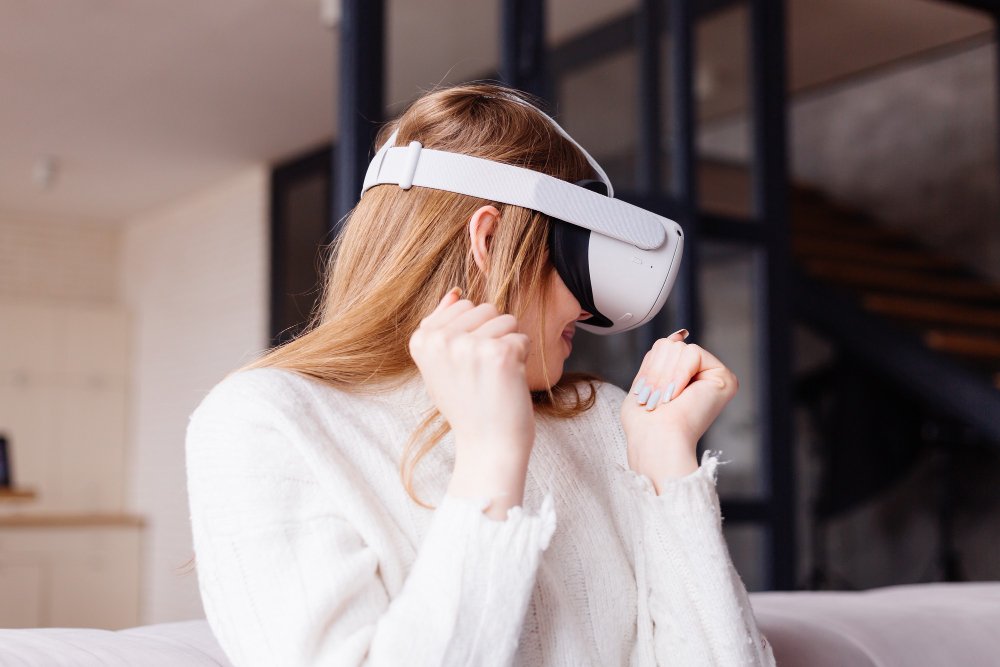
The transition to a digital-first workforce has fundamentally altered human biology’s relationship with light and focus. While remote work offers unparalleled flexibility, it has also tethered professionals to high-definition screens for upwards of ten hours a day. This shift has led to a surge in Computer Vision Syndrome (CVS), a cluster of eye and vision-related problems resulting from prolonged computer, tablet, and smartphone use.
Managing severe digital eye strain (DES) requires more than just blue-light filters or larger fonts. As the boundary between “home” and “office” blurs, the cognitive load of self-regulating screen time increases. Enter haptic feedback wearables—a sophisticated class of technology that uses tactile sensations to bypass visual overstimulation and retrain the body’s ergonomic habits.
The Physiology of Severe Digital Eye Strain
To understand why haptic feedback is revolutionary, one must first understand the mechanics of ocular fatigue. When staring at a screen, the human blink rate drops by nearly 66%, leading to rapid tear film evaporation and dry eye disease. Simultaneously, the ciliary muscles—the tiny muscles responsible for focusing the lens—remain in a state of constant contraction to maintain near-field focus.
Over time, this “accommodative stress” manifests as blurred vision, light sensitivity, and debilitating tension headaches. Unlike reading a physical book, digital screens possess pixels with varying contrast and “flicker” rates that force the eyes to work harder to maintain a sharp image. For the remote worker, this is not merely a temporary discomfort but a chronic physiological taxing of the nervous system.
Why Traditional Solutions Often Fail
For years, the standard advice for DES has been the “20-20-20 rule”: every 20 minutes, look at something 20 feet away for 20 seconds. However, in a high-pressure remote environment, the “flow state” often overrides internal clocks. Software-based reminders are frequently dismissed or buried under active windows, leading to “notification fatigue.”
This is where the vestibular and somatosensory systems provide a superior alternative. By moving the “reminder” from the visual field (a pop-up on the screen) to the skin (a vibration on the wrist or neck), the user can receive a prompt without breaking their cognitive momentum. Haptic feedback taps into a different neural pathway, making it harder to ignore yet less intrusive than a piercing alarm.
The Rise of Haptic Wearables in Ergonomics
Haptic technology involves the use of tactile sensations—vibrations, pressure, or motion—to communicate information to the user. In the context of eye health, these devices serve as “digital coaches” that monitor behavior and provide real-time corrections.
1. Posture and Distance Correction
Many cases of severe eye strain are exacerbated by “computer neck” or leaning too close to the monitor. Wearables like haptic posture trainers sit between the shoulder blades or on the collar. When a worker slouches or leans inward—shortening the distance between the eyes and the screen—the device emits a gentle vibration. This forces the user to sit back, naturally increasing the focal distance and reducing the strain on the ciliary muscles.
2. Guided Breathing and Blink Regulation
Advanced wearables now integrate with biometric sensors to track heart rate variability (HRV) and stress levels. When the device detects the physiological markers of intense focus (which usually correlates with a low blink rate), it can pulse in a rhythmic pattern. This encourages the worker to take a “micro-break” or sync their breathing, which has been shown to relax the ocular muscles and stimulate natural tear production.
3. Integrated Haptic Frames
The most cutting-edge intervention involves “smart glasses” equipped with haptic motors in the temples. These devices use infrared sensors to monitor blink frequency. If the blink rate drops below a healthy threshold, a subtle tap against the temple serves as a subconscious cue to blink, maintaining the eye’s moisture barrier without the user needing to look away from their work.
Strategic Implementation for Remote Environments
For a remote worker to successfully integrate haptic wearables into their workflow, a multi-layered approach is required. It is not enough to simply wear a device; one must align the technology with environmental adjustments.
Optimizing the Workspace
The Occupational Safety and Health Administration (OSHA) recommends that the top of a computer screen be at or slightly below eye level. When combined with a haptic posture wearable, this creates a “fail-safe” environment. If the monitor is positioned correctly, the haptic device will only trigger when the user deviates from the ideal ergonomic zone.
Lighting and Contrast
Haptic feedback can also be used to remind workers to adjust ambient lighting. Some smart home ecosystems can be linked to wearables; if the wearable detects it is 5:00 PM and the room is getting dim, a haptic pulse can remind the user to turn on biased lighting (lights behind the monitor) to reduce the contrast ratio between the screen and the dark room.
Comparing Digital Eye Strain Interventions
The following table compares common methods used by remote workers to mitigate eye strain, highlighting why haptic solutions are gaining traction among specialists.
Comparative Analysis of Eye Strain Solutions
| Intervention Method | Primary Mechanism | Primary Benefit | Limitation |
|---|---|---|---|
| Blue Light Glasses | Filters specific wavelengths | Reduces sleep disruption | Minimal impact on muscle fatigue |
| Software Reminders | On-screen pop-ups | Cost-effective | Easy to ignore; adds to screen clutter |
| 20-20-20 Manual Rule | Cognitive habit | Zero cost | Requires high discipline; breaks flow |
| Haptic Wearables | Tactile biofeedback | Hard to ignore; subconscious habit-forming | Initial hardware cost |
| Ergonomic Monitors | Hardware adjustment | Better focal depth | Does not address blinking habits |
The Long-Term Benefits of Haptic Biofeedback
The goal of using haptic wearables is eventually to reach a state of “unconscious competence.” Research into neuroplasticity suggests that consistent tactile cues can rewire the brain’s approach to a task. After several weeks of haptic prompting, many remote workers find that they begin to blink more frequently and maintain better posture even when not wearing the device.
Furthermore, reducing eye strain has a “domino effect” on overall productivity. By preventing the mid-afternoon “screen crash”—that moment where the eyes feel gritty and focus becomes impossible—workers maintain higher levels of cognitive endurance throughout the day. This is particularly critical for those in data-heavy fields, such as software engineering, legal research, or digital design, where visual precision is paramount.
Expert Recommendations for Severe Cases
If eye strain has reached a “severe” level—meaning it persists even after the workday ends—experts recommend a “Digital Detox” protocol supported by haptic devices.
- Haptic Alarms for Boundaries: Set a “hard stop” vibration for the end of the day. Unlike a phone alarm that can be snoozed, a wearable vibration on the skin serves as a more grounding reminder to physically move away from the desk.
- Palming Techniques: When the wearable triggers a break, incorporate “palming.” Cover your closed eyes with the palms of your hands (without applying pressure) to create total darkness. This allows the photo-receptors in the retina to reset.
- Consultation: Persistent strain should always be evaluated by an optometrist to rule out underlying binocular vision dysfunction, which no wearable can fix alone.
Frequently Asked Questions (FAQ)
1. Are haptic wearables safe for long-term use?
Yes. Haptic feedback uses low-frequency vibrations similar to those in a smartphone or smartwatch. They are non-invasive and do not emit harmful radiation. However, individuals with certain sensory processing sensitivities should choose devices with adjustable intensity.
2. Can I use a standard smartwatch for haptic eye strain management?
To an extent, yes. Many smartwatches allow you to set “stand” reminders or “breathe” prompts. However, specialized eye-strain wearables often include specific sensors (like infrared blink trackers or 6-axis gyroscopes for posture) that standard smartwatches lack.
3. Do blue light filters replace the need for haptic devices?
No. Blue light filters primarily address the circadian rhythm by blocking sleep-disrupting light. They do not prevent the muscle fatigue caused by staring at a fixed distance or the dryness caused by a lack of blinking. Haptic devices address the physical behavior, while filters address the light quality.
4. How long does it take to see results with a haptic wearable?
Most users report a reduction in tension headaches and “heavy eyes” within the first 3 to 5 days of consistent use. Habitual changes, such as improved posture and natural blink rates, typically take 21 to 30 days to become second nature.
5. Are these devices expensive?
The market varies. Basic posture-correction haptics can be found for under $100, while high-end smart glasses with integrated biometric sensors can range from $300 to $600. Considering the cost of prescription lens changes and lost productivity, many find the investment justifiable.
Conclusion and Next Steps
The evolution of the remote workspace demands an evolution in how we protect our biological assets. Severe digital eye strain is not an inevitable tax on the modern professional; it is a signal that our current habits are misaligned with our digital environment. Haptic feedback wearables offer a bridge between the high-demand world of screen-based labor and the physiological needs of the human eye.
By shifting the burden of “remembering to be healthy” from the overtaxed mind to a subtle tactile wearable, workers can maintain their professional edge without sacrificing their long-term vision. These devices do more than just vibrate; they provide a constant, gentle tether to the physical world, reminding us to breathe, blink, and sit tall in an increasingly virtual existence.
If you are currently struggling with dry eyes, blurred vision, or frequent headaches, consider auditing your current “reminder” system. Are you relying on your memory, or are you using technology to save you from technology? For those looking to take the next step, researching clinically-validated haptic trainers or discussing biometric wearables with an occupational therapist can be a life-changing move for your career and your health.